Cloning on CN3 - online

Contents
On the market there are few different chinese transponders named "CN3".
| ▪ | Type 1 - "Full" CN3 |
Can be used in all cloning steps 1-3: for sniff and to write.
| ▪ | Type 2 - sniff mode doesn't work |
Can't be used as sniff (steps 1-2).
There is no possibility to delete not blank CN3 for sniff:

or CN3 transponder can't collect sniff data:


Collect sniff data using TPX4 transponder and use CN3 in step 3.
| ▪ | Type 3 |
Transponders are identified as "TPX/CN3" but gives write errors even in step 3.
Can't be used cause of unknown type or poor quality.
NOTE:
PC should have access to internet.
| • | set TPX3/4/CN3 decoder to Internet (Setup). |
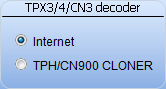
| • | click Write. |

| • | Click Connect to connect to internet server and start procedure. |

Proceed according to instructions from decoder messages window.
| ▪ | Read original key. |
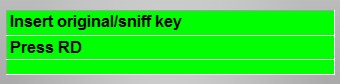 RD
RD

| ▪ | Write TPX3/4/CN3 for sniff. |
For sniff both TPX3/4 ant CN3 can be used.
 WR
WR
 WR
WR
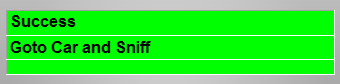

| • | Perform operations in the car - turn ingition on and off 3-5 times (wait for 2 seconds in each cycle) - use both original and sniff. |
| • | Click OK |

| • | Click Connect to connect to internet server and start decoding. |
Proceed according to instructions from decoder messages window.
| ▪ | Read sniff. |
 RD
RD
| ▪ | Read original key. |
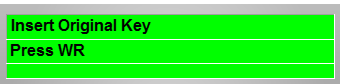 WR
WR
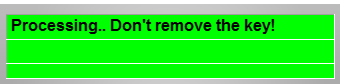
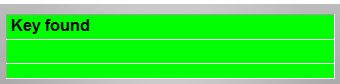
| ▪ | Wait while processing. |
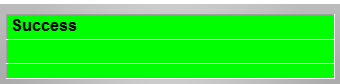
| ▪ | Write destination CN3 transponder. |
 WR
WR
NOTE:
If decoder will not be able to find crypto key repeat all steps again. Its important to repeat decoding with different sniff data.